Blue network or data connection design on a dark background

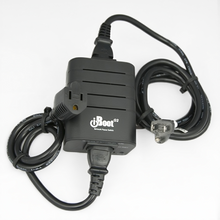
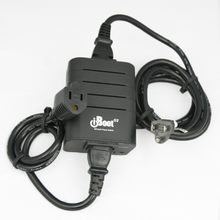
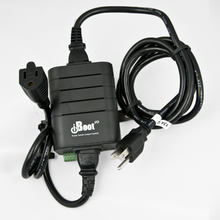
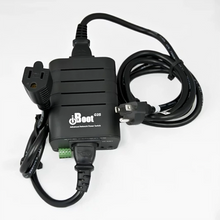
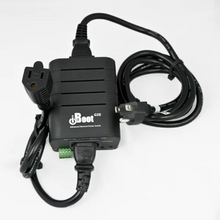
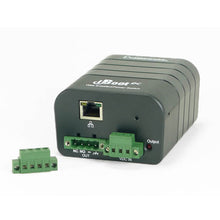
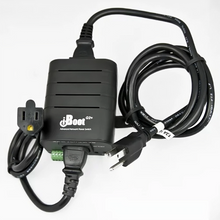
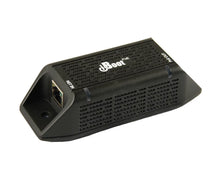
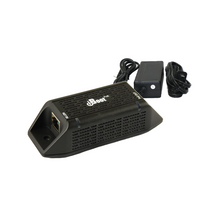
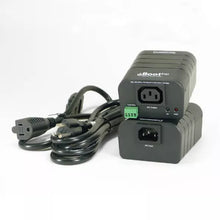
iBoot Web Power Switch

How do I set up my iBoot for remote access?

Setting up your iBoot for remote access involves a few steps:
-Connect the iBoot to your network via Ethernet.
-Access the web interface using the default IP address.
-Configure the network settings, including DHCP or static IP.
-Set up user accounts and permissions for secure access.

What are the benefits of using web power switches like iBoot?

Web power switches like iBoot offer several advantages:
-Remote power control for devices from anywhere with internet access.
-Scheduling options for automated power cycling.
-Energy monitoring features for efficiency tracking.
-Alerts and notifications for device status changes.

Can I use iBoot with existing power strips or surge protectors?

Yes, you can use iBoot with existing power strips, but keep in mind:
-Ensure the total load does not exceed the iBoot's capacity.
-Use a surge protector to safeguard sensitive equipment.
-Verify the iBoot's outlet configuration matches your power needs.


How does iBoot handle power outages?

iBoot has features to manage power outages effectively:
-Automatic reboot when power returns, as per configured settings.
-Persistent power settings to maintain device operation.
-Alerts sent to notify you when power is restored.

What devices can I control with iBoot?

iBoot is compatible with a variety of devices, including:
-Servers and networking equipment.
-Security systems and cameras.
-Home automation devices.
-Any device that can be powered on/off via a standard outlet.

How can I troubleshoot common issues with iBoot?

Troubleshooting iBoot issues can be done through these steps:
-Check network connections and power supply.
-Restart the iBoot device to reset configurations.
-Verify settings in the web interface.
-Consult the user manual for specific error codes or alerts.

Is there a limit to how many devices I can connect to one iBoot?

Yes, the number of devices depends on the iBoot model:
-Standard models typically support 8 outlets.
-Higher-end models may offer more connections.
-Always check the specifications to ensure compatibility.

Are there any security features built into the iBoot?

iBoot includes several security features to protect your devices:
-User authentication to restrict access.
-Encryption protocols for data transmission.
-Audit logs to track access and changes made to settings.
-Firmware updates to patch vulnerabilities regularly.

TEST